

If you’ve ever abandoned a website because it took too long to load or felt lost on a page without any visual logic, you’ll understand the importance of good UX web design. When I started to look at the details that make a normal website a truly satisfying experience, I realized that it’s not just about aesthetics. On the contrary, it’s a profound process that requires understanding people’s needs, their behaviors, and their real goals.
That is why today I share some essential good practices that I have been discovering and applying in various projects.
Navigation as a compass
First of all, one of the first things I always check in any UX web design project is the navigation menu. This element should act as a compass that guides the user from the first second. Therefore, it needs to be visible, intuitive, and consistent across all pages.
In addition, it is essential to limit the number of main elements. For example, between 5 and 7 options are more than enough to avoid visual saturation. From there, submenus can be added to structure the information, but always with the aim of facilitating access and not complicating it.
It is also key to highlight where exactly the user is within the site. This can be achieved with small subtleties such as active menus, breadcrumbs or color changes. Ultimately, the clarity of navigation makes the difference between a visit that flows and one that is frustrated.
Visual hierarchy: more than an aesthetic issue
Next, one of the most powerful tools we have as designers is visual hierarchy. Through typographies, sizes, colours and spaces, we guide the gaze of those who visit us. In this sense, a good hierarchy not only embellishes, but also orders, prioritises and communicates.
For example, when structuring a page, I always think of layers of information: the most important at the top and highlighted, and the rest progressively more subtle. This implies that the headlines should be clear and prominent, but also that each section should have a narrative function within the whole.
In addition, white space is a secret weapon. Then, there is no need to fill every corner of the screen. Often, good use of space breathes, relaxes and makes reading easier. At the same time, consistent alignment and well-defined visual blocks help with overall understanding.
Charging time: silent but decisive
Although it is often overlooked, loading time is essential to ensure a good user experience. No matter how attractive a page is, if it takes more than three seconds to load, more than 50% of users will leave before seeing it.
This has made me see how technical optimization is an intrinsic part of UX web design. Starting with images, it is essential to compress them correctly without losing quality. In this sense, formats such as WebP are highly recommended.
On the other hand, you need to minimize scripts, avoid unnecessary redirects, and enable lazy loading of resources that you don’t see at the beginning. All of this, combined with a good server and a content delivery network (CDN), can work wonders.
Responsive design: designing for all devices
Then, we can’t talk about UX web design without mentioning the importance of responsive design. Now that more than 60% of web traffic comes from mobile, it would be an unforgivable mistake to forget this reality.
Personally, I always start projects with a mobile-first approach. This forces me to simplify and prioritize. Then, as I scale up to larger screens, I can add more complex decorative or structural elements.
But it’s not just about adapting the size. It is also necessary to rethink interactions, drop-down menus, the size of the buttons and the reading of texts. Everything must be functional and pleasant both on a mobile and on a desktop.
Microinteractions: small gestures, big effects
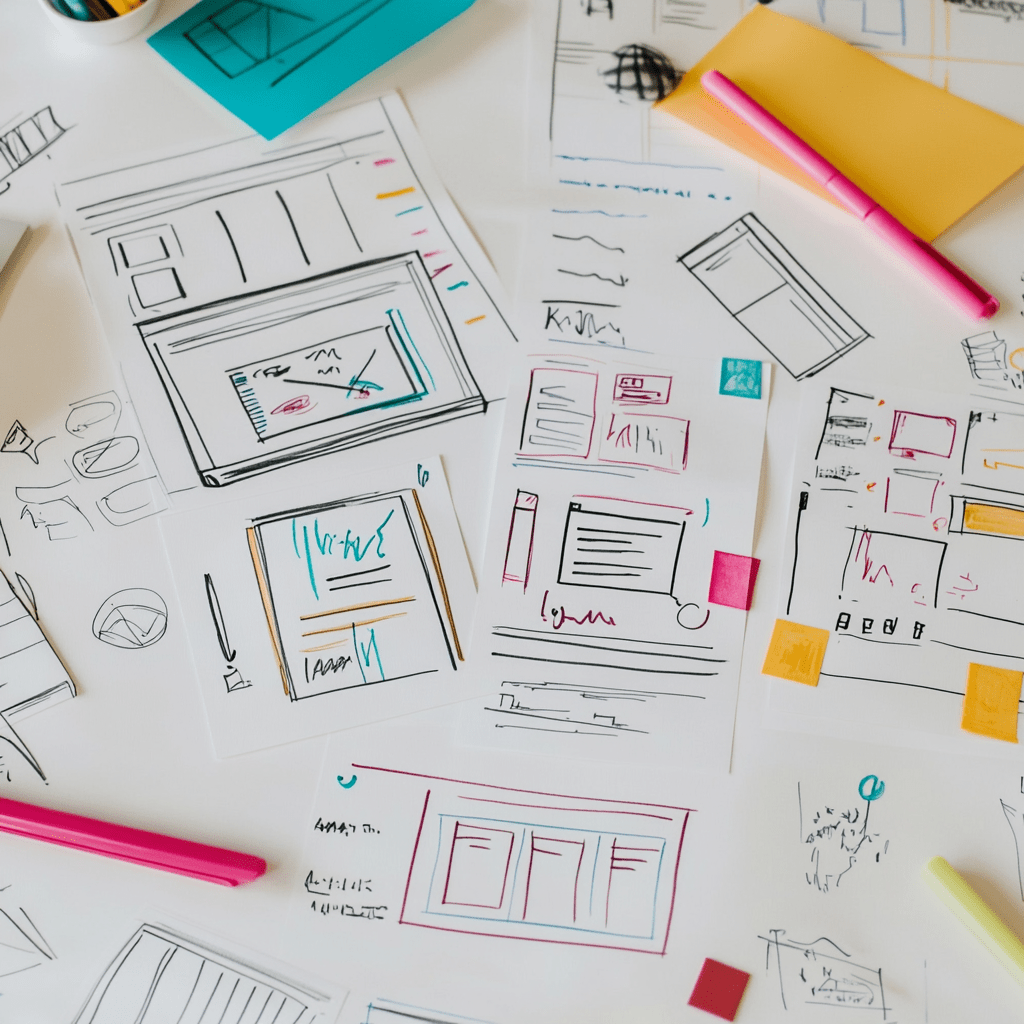
On the other hand, I love micro-interactions. It’s those small movements, changes, or animations that bring the web to life. A button that changes color when you hover your cursor, an icon that vibrates when you submit a form, or a subtle confirmation message when you add a product to your cart.
Not only are these interactions enjoyable, but they also reinforce feedback, build trust, and improve understanding of the user’s actions. However, they should always be at the service of the function and not become a meaningless effects festival.
Contrast, accessibility and inclusion
Another aspect that I have learned to value deeply is accessibility. Designing for everyone involves choosing colors with good contrast, allowing keyboard navigation, using appropriate labels, and ensuring that texts can be easily read.
Therefore, it is not only about good practices, but also about an ethical commitment. UX web design must include all people, with all their abilities and contexts. Therefore, an accessible website is not an option, but a necessity.
Scannable content: reading with your eyes
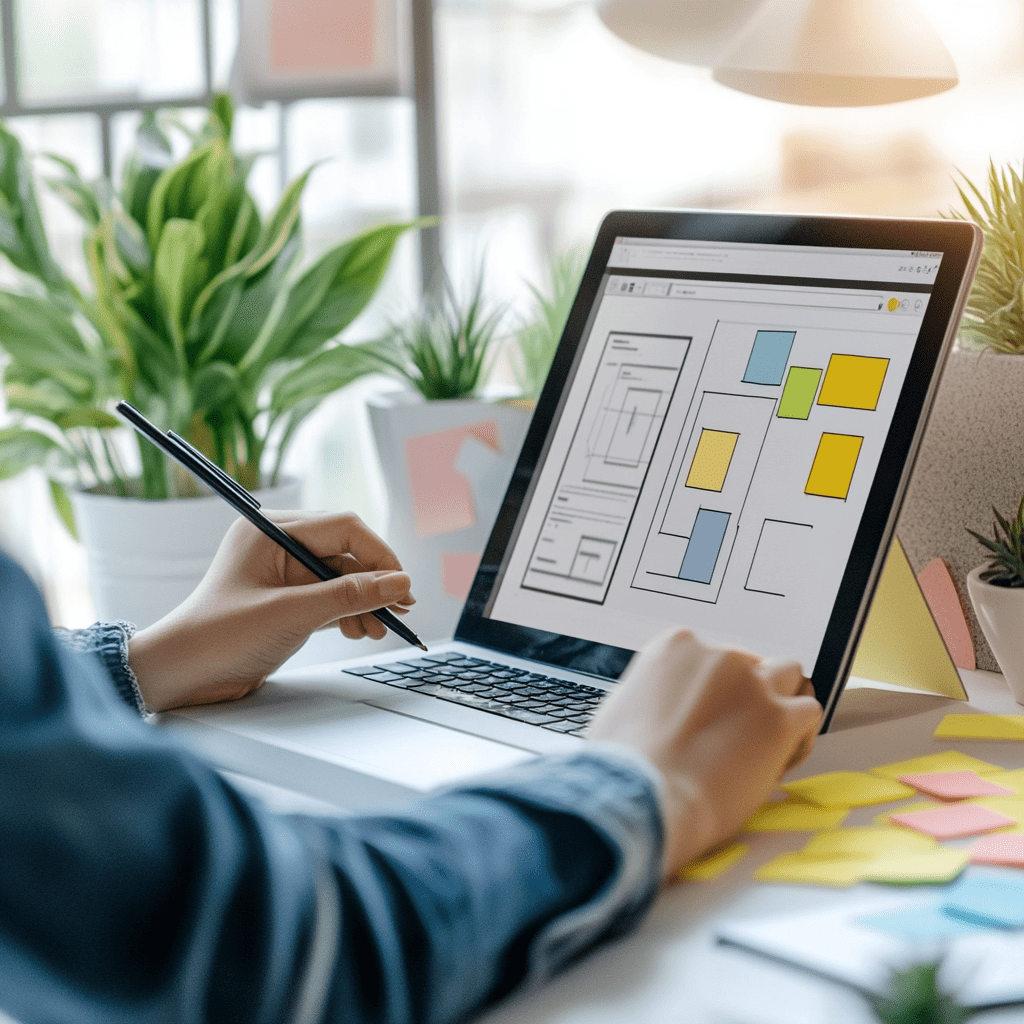
Over time, I’ve also found that most users don’t read line by line, but scan. This leads me to structure the content with clear captions, lists, highlights, and short paragraphs.
In addition, I use transition words that help to follow the thread. And I avoid long sentences, because they complicate understanding. This is one of the keys to maintaining attention and facilitating conversion.
Testing and continuous improvement
Finally, good UX web design never ends. Because every audience is different, you need to constantly test, measure, and adjust. Behavioral analytics tools (such as Hotjar, Google Analytics, or A/B testing) are critical to understanding what works and what doesn’t.
I’ve had cases where a simple color change in a button or a more empathetic headline has increased conversions significantly. Therefore, you need to observe with humility, listen to the data, and be willing to evolve.
Conclusion
In short, UX web design is not just a trend, but an essential discipline to grow any digital project. When we combine fluid navigation, a clear visual hierarchy and fast loading times, we build trust and promote conversion. If we also add accessibility, adaptability and a constant learning attitude, we are on the right track to creating memorable experiences.
At wwwarcelona.com, we help you apply all these good practices in your project. We analyse, design and optimise every detail so that your website is much more than a business card: we want it to be a tool that makes you grow. Write to us and let’s transform your digital presence together.
